Fast & Reliable
High-performance ESP Flasher for Android with stub loader and compression support.
ANDROID FIELD TOOL
 ESPFlash Flash ESP32
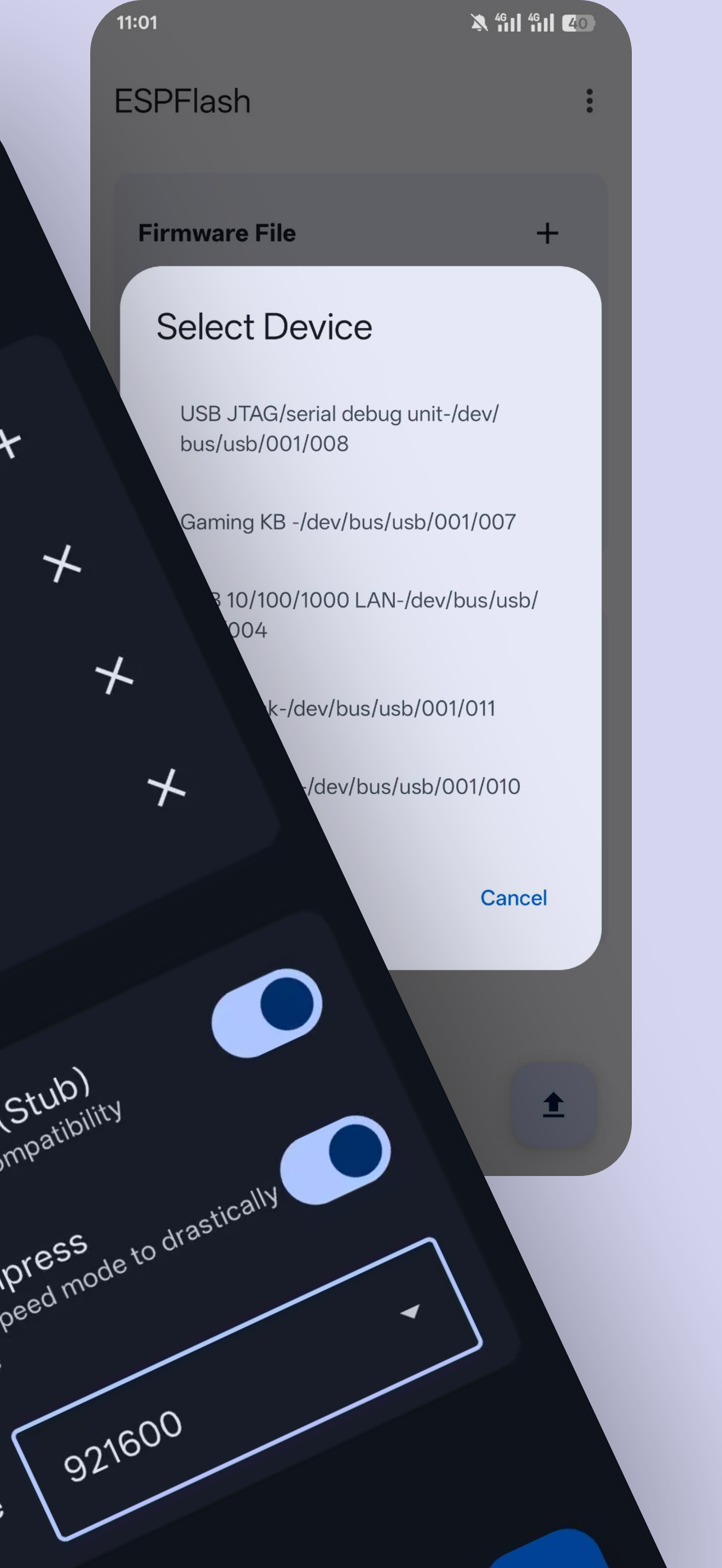
Flash ESP32/ESP8266 firmware from Android via USB OTG, or update wirelessly over Wi-Fi. OTA currently supports ArduinoOTA. No PC required.
Get on Google Play↗ View roadmap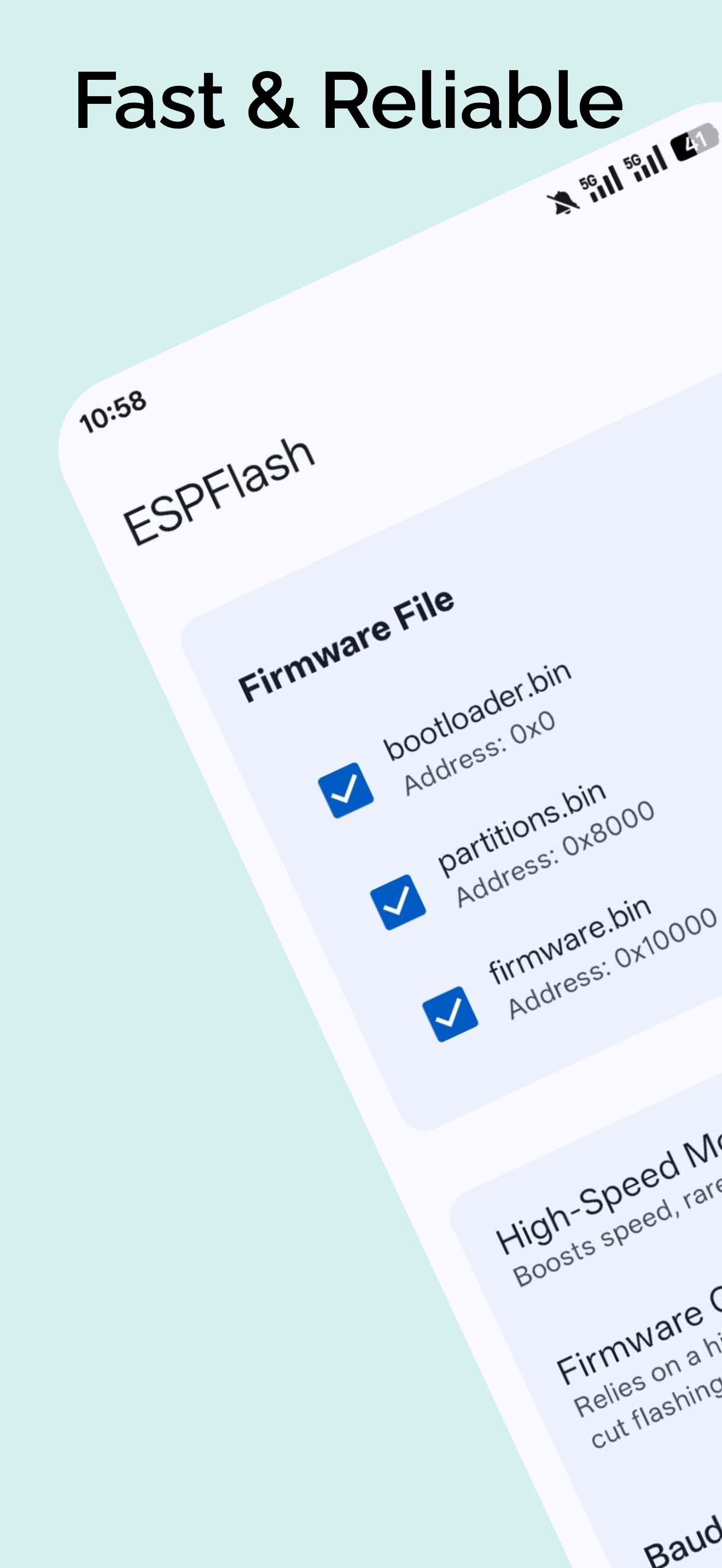
01 / CAPABILITIES
High-performance ESP Flasher for Android with stub loader and compression support.
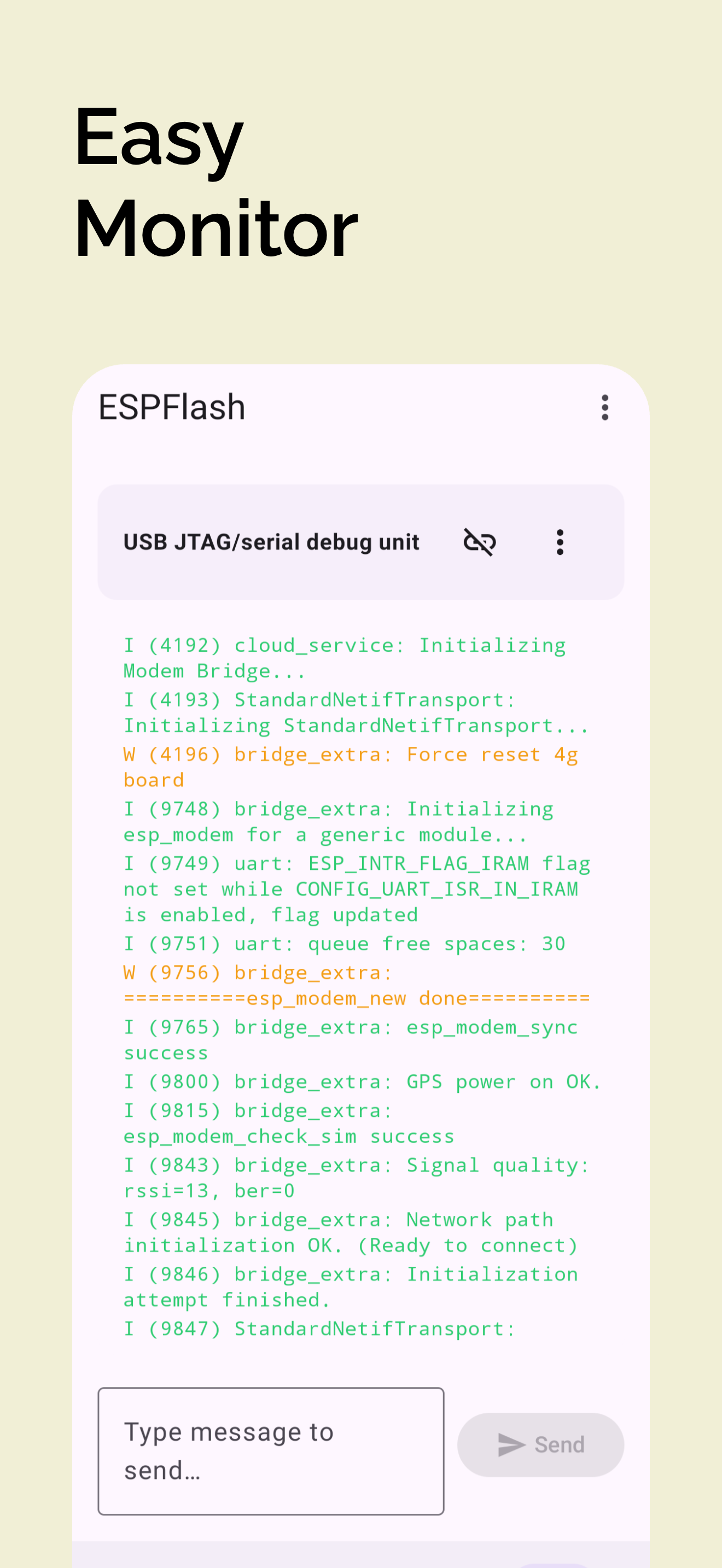
Built-in serial terminal to debug your ESP32 application on the go.
The easiest ESPFlash tool for developers. Configure baud rate, erase mode, and flash effortlessly.
Supports nearly all chips including ESP32-S3, C3, and ESP8266. The only ESP32 Flasher you need.
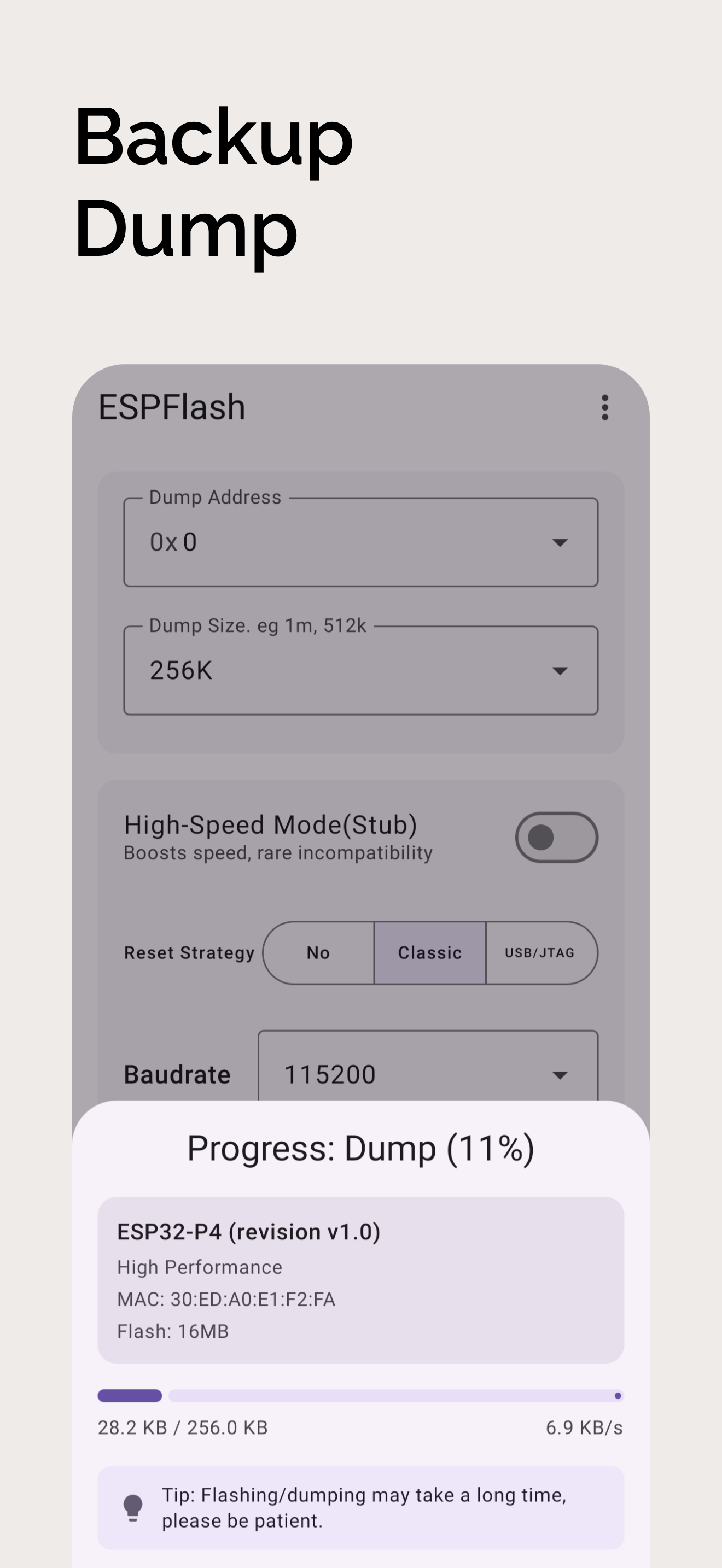
Read and back up existing firmware. Perfect for cloning devices without a PC.
Send firmware from Android over Wi-Fi without reconnecting USB. OTA currently supports ArduinoOTA for devices with ArduinoOTA enabled in their firmware.
02 / ROADMAP
What comes next, and what we have delivered.
Extend ESPFlash support to the ESP32-S31 chip.
Wireless firmware updates over Bluetooth Low Energy are planned.
Bring ESPFlash to iOS.
Firmware updates over Wi-Fi using ArduinoOTA are available.
Plans may evolve as development progresses. Release dates are yet to be announced.
03 / IN USE
04 / COMPATIBILITY
ESP8266, ESP32, ESP32-S2, ESP32-S3, ESP32-C3, ESP32-C5, ESP32-C6, ESP32-P4, ESP32-H2
Traditional ESP32 / ESP8266 boards via USB-to-UART adapters.
“Pretty handy app for flashing.”— Harshil Jasani
“Amazing app for the people who are interested in firmware.”— Vinita Rajaram
05 / SUPPORT
You can easily flash ESP32 from Android using the ESPFlash app. Simply connect your ESP32 board via USB OTG, select your firmware file, and tap flash.
Yes, ESPFlash is the leading ESP Flasher APK. It supports flashing, dumping, and serial monitoring directly from your Android device.
Absolutely. ESPFlash is a complete standalone ESP Flash Tool. You don't need a computer or cloud flashing tools.
We support a wide range of chips including ESP32, ESP8266, ESP32-S2, S3, C3, and more.
OTA currently supports ArduinoOTA. First flash firmware that integrates and enables ArduinoOTA over USB. Connect your phone and device to the same Wi-Fi LAN, then use ESPFlash to send a compatible application firmware .bin file. Keep ArduinoOTA enabled in subsequent firmware to continue updating wirelessly.
READY / 01